01
01 A full Java runtime
CheerpJ is built from OpenJDK and runs your client on Java 8, 11, 17 and 21, with Java 25 in preview.
Software vendors with a Java desktop client can ship CheerpJ inside their product, so their customers run the same client in the browser. The web edition comes from the same codebase as the desktop edition, and the Java code runs on the user’s own device.
CheerpJ is a Java runtime for the browser, built from OpenJDK and compiled to WebAssembly. It loads with a single script tag and draws your client’s window inside an element of your own page.
<script src="https://cjrtnc.leaningtech.com/4.3/loader.js"></script>
<div id="client"></div>
<script type="module">
  await cheerpjInit({ version: 17 });
  cheerpjCreateDisplay(-1, -1, document.getElementById("client"));
  await cheerpjRunJar("/app/your-client.jar");
</script>CheerpJ runs your client’s compiled JAR files, so the web edition uses the same build as the desktop edition.
To get started, you need:
Add CheerpJ’s loader script, then call cheerpjInit to start the runtime. The version option sets the Java version your client runs on.
<script src="https://cjrtnc.leaningtech.com/4.3/loader.js"></script>
<script type="module">
  await cheerpjInit({ version: 17 });
</script>cheerpjCreateDisplay draws the client inside an element of your page. Pass a width and height, or -1 for both to fill the element.
<div id="client"></div>
<script type="module">
  await cheerpjInit({ version: 17 });
  const el = document.getElementById("client");
  cheerpjCreateDisplay(-1, -1, el);
</script>Call cheerpjRunJar with the path to your JAR, or cheerpjRunMain with the main class and class path if the client starts another way. /app/ is the root of your web server.
await cheerpjRunJar("/app/your-client.jar");

// Or start by main class
await cheerpjRunMain(
"com.example.Main",
"/app/client.jar:/app/lib.jar"
);Serve CheerpJ and your client as static files from your own web servers or a CDN. For production, you can record the runtime components your client uses and preload them, which shortens the first start.
Open the page and your client starts inside it. CheerpJ downloads the runtime components the client needs, typically 10 to 20 MB for many applications, and the browser caches them for later visits.
01 CheerpJ is built from OpenJDK and runs your client on Java 8, 11, 17 and 21, with Java 25 in preview.
 02
02 CheerpJ runs your bytecode, including obfuscated code, custom class loaders and third-party libraries.
 03
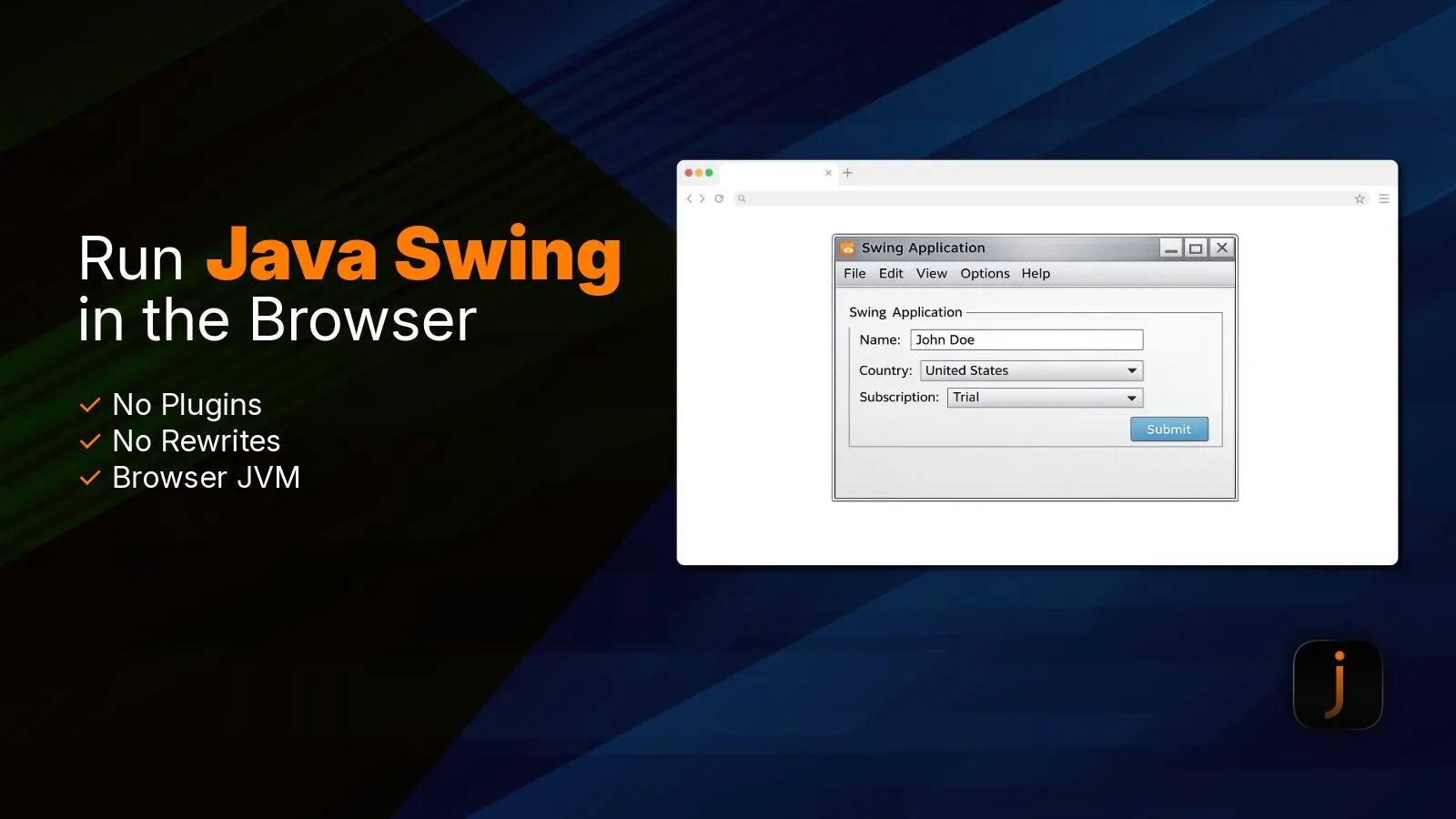
03 A virtual window manager draws Swing and AWT interfaces with HTML elements and canvases, inside the element you choose.
 04
04 Library mode lets your web interface create Java objects and call their methods, and Java native methods can be written in JavaScript to reach browser features.
 05
05 A virtual filesystem serves files from your web server and keeps data in the browser between sessions. Users upload files to the client and save files to their computer.
 06
06 HTTP requests go through the browser. TCP and UDP connections go through Tailscale, with a control server you can host on your customers’ networks.
 07
07 CheerpJ downloads runtime components as the client needs them, and you can preload the ones it uses to shorten the first start.
 08
08 CheerpJ and your client are static files, served from any web server or CDN, in hosted and on-premises deployments, including air-gapped networks.
 09
09 Customers run the new version of your client the next time they open the page, including on Chromebooks and locked-down PCs.
A browser. Customers open your client in Chrome, Edge, Firefox or Safari, including on Chromebooks and computers where they can’t install software.
Yes. cheerpjCreateDisplay places the client’s window inside an element of your page, at a fixed size or filling the element, and CheerpJ works with frameworks such as React. The reference covers the options.
Yes. In library mode, JavaScript creates Java objects and calls their methods with async and await, as the library mode guide shows. In the other direction, Java native methods can be implemented in JavaScript, as the native methods guide explains.
Java 8, 11, 17 and 21, with Java 25 in preview.
Redistribution and OEM use are covered by the CheerpJ Commercial License, and products are licensed per application. Resellers and system integrators have a separate agreement. The licensing page sets out the terms.
Case Studies ·

How an HR software leader kept most of its 1M-line Java 8 client logic, converted it with CheerpJ and shipped its flagship product as an HTML5 SaaS app.
Learn how CheerpJ runs HTML5 Java Swing applications in modern browsers with no plugins or application rewrite required.
Enterprise ·

CheerpJ compared with remote desktop tools like Citrix for Java application access: no client installs, platform independence, browser security, speed and cost.