01
01 Full Java environment in HTML5
CheerpJ enables modern browsers to run any Java Application and Applet, as well as Java libraries.
CheerpJ Core allows web developers to integrate Java libraries and components in native web applications.
CheerpJ is a browser-side JVM replacement in WebAssembly and supports seamless interoperability with HTML5/JavaScript.
<script src="https://cjrtnc.leaningtech.com/4.3/loader.js"></script>
<script type="module">
  await cheerpjInit();
  const lib = await cheerpjRunLibrary("");
  const System = await lib.java.lang.System;
  await System.out.println("Hello from Java");
</script>CheerpJ loads an existing Java library in the browser, so you can call its classes and methods from JavaScript without changing the original code. You need the library’s compiled JAR file, not its source code.
To get started, you need:
Create a folder for the project and copy your JAR file into it. Your HTML file goes in the same folder.
mkdir my-projectAdd CheerpJ’s loader script to the page, then call cheerpjInit to start the CheerpJ runtime.
<!doctype html>
<html lang="en">
  <head>
    <meta charset="utf-8" />
    <title>CheerpJ library mode test</title>
    <script src="https://cjrtnc.leaningtech.com/4.3/loader.js"></script>
  </head>
  <body>
    <script type="module">
      await cheerpjInit();
    </script>
  </body>
</html>Call cheerpjRunLibrary with the path to your JAR. /app/ is the root of your web server, so this loads library.jar from the project directory. You then use the library’s classes and methods as JavaScript objects. The class and method names here are examples, so replace them with your own.
<script type="module">
  await cheerpjInit();
  const cj = await cheerpjRunLibrary("/app/library.jar");
  const MyClass = await cj.com.library.MyClass;
  const obj = await new MyClass();
  await obj.myMethod();
</script>Serve the project directory with any HTTP server, such as http-server.
npx http-server -p 8080Open the page and CheerpJ starts in the browser and loads your library. Once it has loaded, you can call the library’s methods directly from JavaScript. Depending on the size of the library and the optimisations applied, this can take a few seconds before your code starts running.
01 CheerpJ enables modern browsers to run any Java Application and Applet, as well as Java libraries.
 02
02 With CheerpJ, you can run legacy Java Applets and Applications on modern browsers, removing the requirement for IE, Edge IE mode, and for a local Java installation.
 03
03 CheerpJ does not need access to the source code at all, operating at the level of Java bytecode. Third-party libraries, dependencies and obfuscated code pose no issue.
 04
04 CheerpJ core component is a Java Bytecode JIT compiler in WebAssembly.
 05
05 CheerpJ comes with a full OpenJDK runtime environment, ensuring that existing applications ‘will just work’. This includes Java Swing, AWT, and any other runtime component.
 06
06 CheerpJ can now give full control to the appropriate Classloader for class resolution, including application-provided ones. This completely eliminates incompatibilities caused by duplicated classes as well.
 07
07 CheerpJ compiles 100% of the OpenJDK native code to WebAssembly, providing a viable path for supporting modern versions of Java and potentially specific point versions if a user requires.
 08
08 CheerpJ provides multiple mechanisms for Java and JavaScript to interoperate.
 09
09 CheerpJ provides a full networking stack (HTTP(s), TCP/IP), as well as support for file access, networking (HTTP and TCP), clipboard, audio, printing, and more.
CheerpJ can run Java Applets, Java Web Start applications, stand-alone Java applications (including Swing), and Java libraries, on any modern browser that supports WebAssembly.
CheerpJ is the only full Java Runtime Environment for the browser, extensively compatible with Java SE and equipped with a full build of the OpenJDK JRE. By using CheerpJ, you will not need to modify your application – it will just work on any browser, without a local Java installation.
You can use CheerpJ in two scenarios:
Yes. CheerpJ is used by many organizations worldwide to run Oracle Java-based products, such as Oracle Forms and Oracle E-Business Suite, on modern browsers. This includes several Fortune 500 companies as well as local and federal government agencies.
CheerpJ is a full JVM in WebAssembly, running client-side within the browser sandbox. It has no native or server-side components. As such, it benefits from the Web security model, drastically improving the application security profile compared to standard Java applications.
Support for Internet Explorer is ending soon, but when?
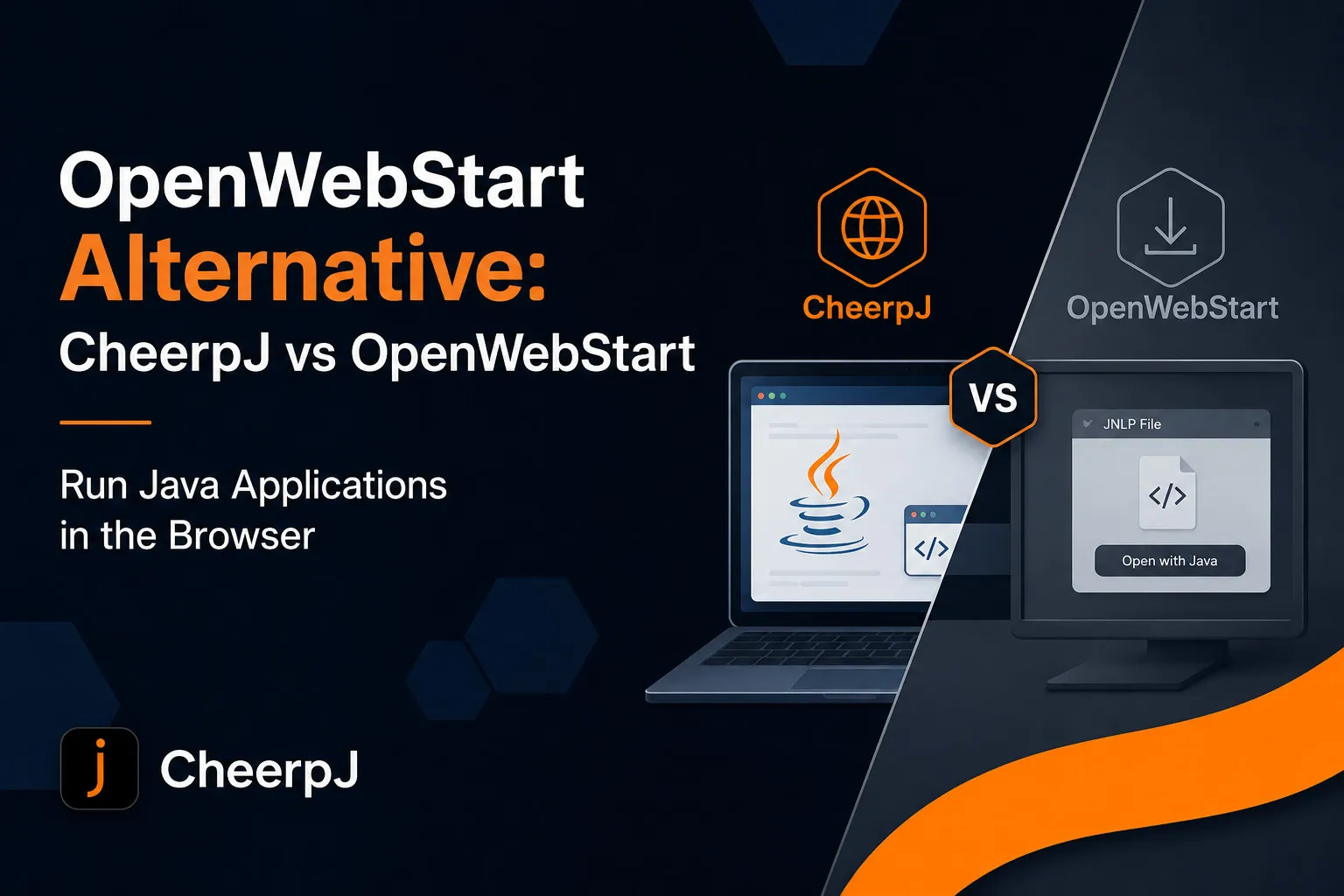
Looking for an OpenWebStart alternative?
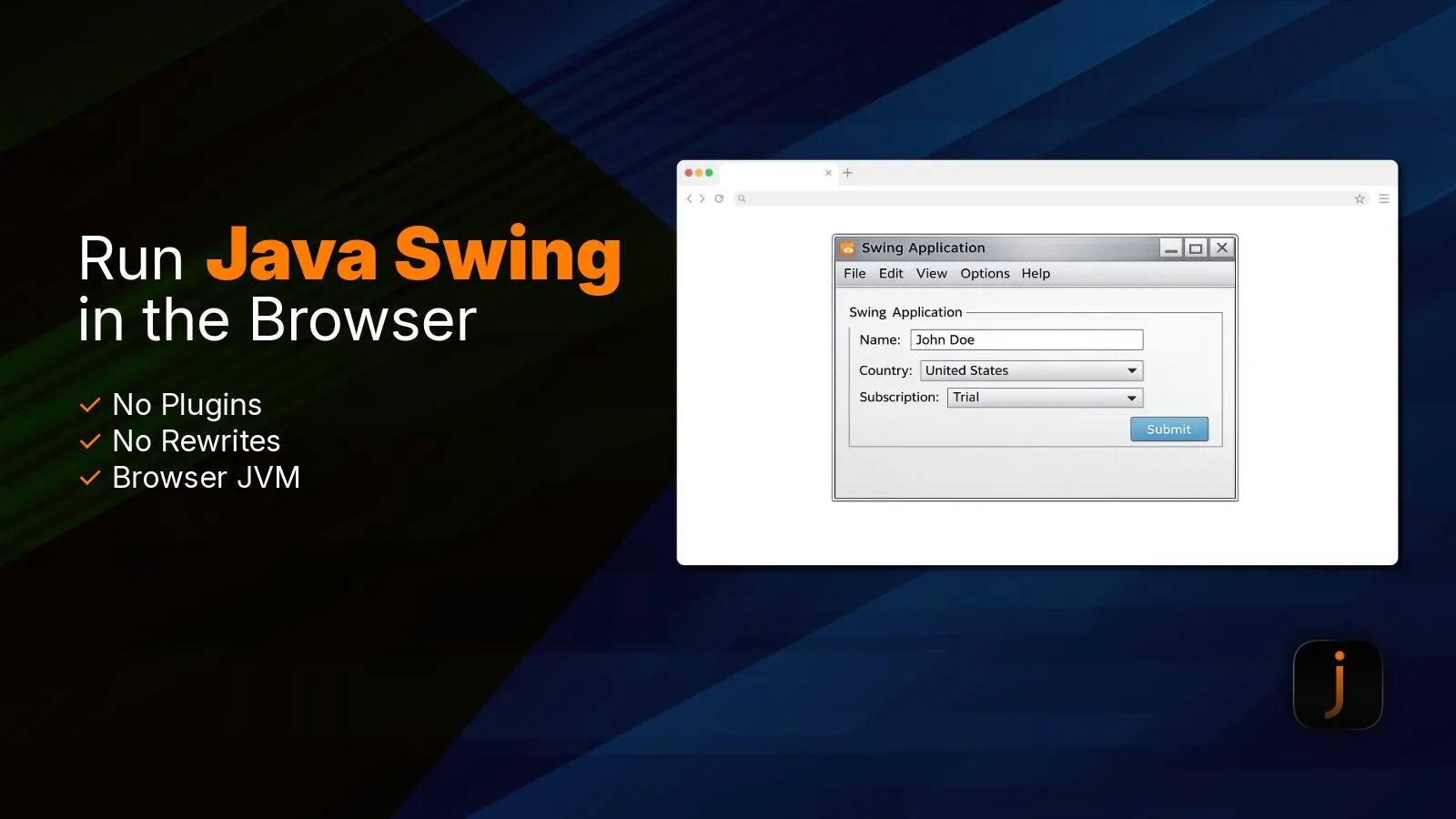
Learn how CheerpJ runs HTML5 Java Swing applications in modern browsers with no plugins or application rewrite required.