01
01 Full Java environment in HTML5
CheerpJ enables modern browsers to run any Java Application and Applet, as well as Java libraries.
CheerpJ runs your existing Java application, applet or Java Web Start application in any modern browser, served from your own web server, with no Java installation on users’ computers.
Release a new build once, and staff get it the next time they open the application, with no desktop rollout and no Java installation to keep in step.
<script src="https://cjrtnc.leaningtech.com/4.3/loader.js"></script>
<script type="module">
  await cheerpjInit();
  cheerpjCreateDisplay(800, 600);
  await cheerpjRunJar("/app/my_application.jar");
</script>CheerpJ runs the compiled JAR files you already have, so you don’t need the source code. The second step depends on whether you have a Java application, an applet or a Java Web Start application.
To get started, you need:
Create a folder for the project and copy your JAR files into it, keeping any folder structure the application expects.
mkdir my-appChoose your type of application.
Load CheerpJ, create a display for the application’s windows, then start the JAR with cheerpjRunJar. If the application isn’t started with java -jar, use cheerpjRunMain with the main class and the JAR files instead, as in the Java Web Start example.
<!doctype html>
<html lang="en">
  <head>
    <meta charset="utf-8" />
    <title>My application</title>
    <script src="https://cjrtnc.leaningtech.com/4.3/loader.js"></script>
  </head>
  <body>
    <script type="module">
      await cheerpjInit();
      cheerpjCreateDisplay(800, 600);
      await cheerpjRunJar("/app/my_application.jar");
    </script>
  </body>
</html>
Add CheerpJ’s loader to the page that hosts the applet and call cheerpjInit. The <applet>, <object> or <embed> tag stays as it is. Applets run on Java 8, which CheerpJ uses by default, so don’t set a newer version.
<!doctype html>
<html lang="en">
  <head>
    <meta charset="utf-8" />
    <title>My applet</title>
    <script src="https://cjrtnc.leaningtech.com/4.3/loader.js"></script>
  </head>
  <body>
    <applet
      archive="my_applet.jar"
      code="com.applet.MyClassName"
      height="900"
      width="900"
    ></applet>
    <script>
      cheerpjInit();
    </script>
  </body>
</html>
The .jnlp file lists what you need. Download the JAR files under <resources>, keeping their folder structure, and check whether the file has an <application-desc> or an <applet-desc> tag. For an application, pass the main-class and the JAR files to cheerpjRunMain, along with any <argument> values. For an applet, use the applet setup with the main-class, size and parameters from the file.
<script src="https://cjrtnc.leaningtech.com/4.3/loader.js"></script>
<script type="module">
  await cheerpjInit();
  cheerpjCreateDisplay(800, 600);
  await cheerpjRunMain(
    "com.application.MyClassName",
    "/app/my_application.jar:/app/lib/my_dependency.jar"
  );
</script>Serve the project directory with any HTTP server, such as http-server. Opening the HTML file directly from disk doesn’t work.
npx http-server -p 8080Open the page and you’ll see the CheerpJ display with some loading messages, then your application. Depending on the application and the optimisations applied, this can take a few seconds. If it doesn’t start, check that the JAR paths begin with /app/, which is the root of your web server, and that the application runs normally on your computer without CheerpJ.
01 CheerpJ enables modern browsers to run any Java Application and Applet, as well as Java libraries.
 02
02 With CheerpJ, you can run legacy Java Applets and Applications on modern browsers, removing the requirement for IE, Edge IE mode, and for a local Java installation.
 03
03 CheerpJ does not need access to the source code at all, operating at the level of Java bytecode. Third-party libraries, dependencies and obfuscated code pose no issue.
 04
04 CheerpJ core component is a Java Bytecode JIT compiler in WebAssembly.
 05
05 CheerpJ comes with a full OpenJDK runtime environment, ensuring that existing applications ‘will just work’. This includes Java Swing, AWT, and any other runtime component.
 06
06 CheerpJ can now give full control to the appropriate Classloader for class resolution, including application-provided ones. This completely eliminates incompatibilities caused by duplicated classes as well.
 07
07 CheerpJ compiles 100% of the OpenJDK native code to WebAssembly, providing a viable path for supporting modern versions of Java and potentially specific point versions if a user requires.
 08
08 CheerpJ provides multiple mechanisms for Java and JavaScript to interoperate.
 09
09 CheerpJ provides a full networking stack (HTTP(s), TCP/IP), as well as support for file access, networking (HTTP and TCP), clipboard, audio, printing, and more.
CheerpJ can run Java Applets, Java Web Start applications, stand-alone Java applications (including Swing), and Java libraries, on any modern browser that supports WebAssembly.
The application files are hosted on your own web servers and loaded when a user opens the page. When your team publishes a new build, staff receive it the next time they open the application, without a desktop rollout or a Java installation to keep in step.
Yes. CheerpJ and the application are static files, so they can be served from an internal web server or private cloud and integrated with your existing authentication. Staff can use the application on thin clients and locked-down computers that can’t install Java, since nothing is installed on the device.
CheerpJ 4.3 supports Java 8, 11 and 17, and runs Java 8 unless you choose another version. Applets run on Java 8. See Java versions for the details.
CheerpJ is a full JVM in WebAssembly, running client-side within the browser sandbox. It has no native or server-side components. As such, it benefits from the Web security model, drastically improving the application security profile compared to standard Java applications.
An internal application used by employees needs a CheerpJ Commercial License, which also covers self-hosting. Technical evaluation before the application reaches users is free and unmetered. See licensing and pricing for the options.
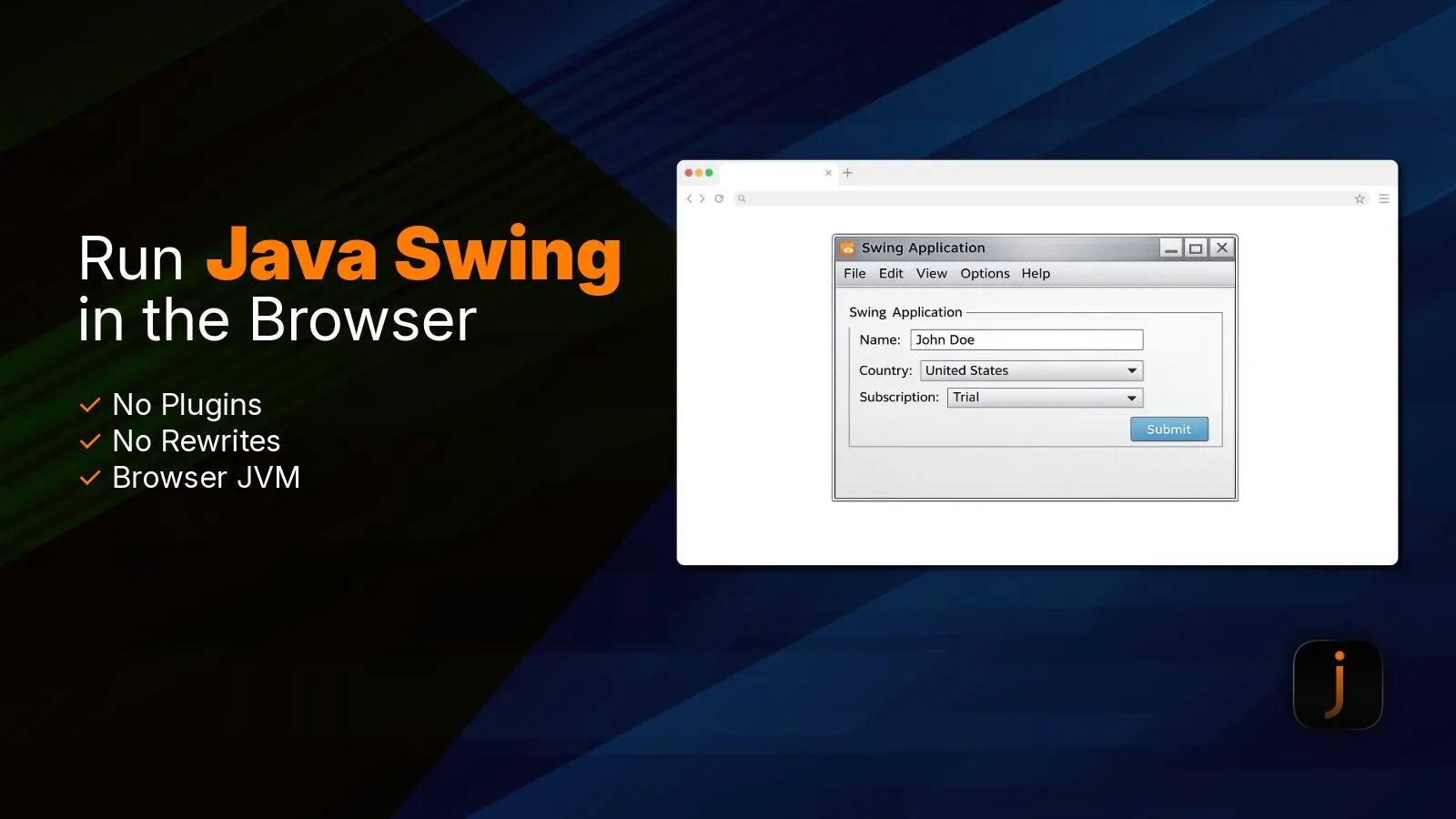
Learn how CheerpJ runs HTML5 Java Swing applications in modern browsers with no plugins or application rewrite required.
Enterprises still running JNLP apps on VMs, RDP or old Java can switch to CheerpJ JNLP Runner, which launches them in Chrome and Edge with no Java install.
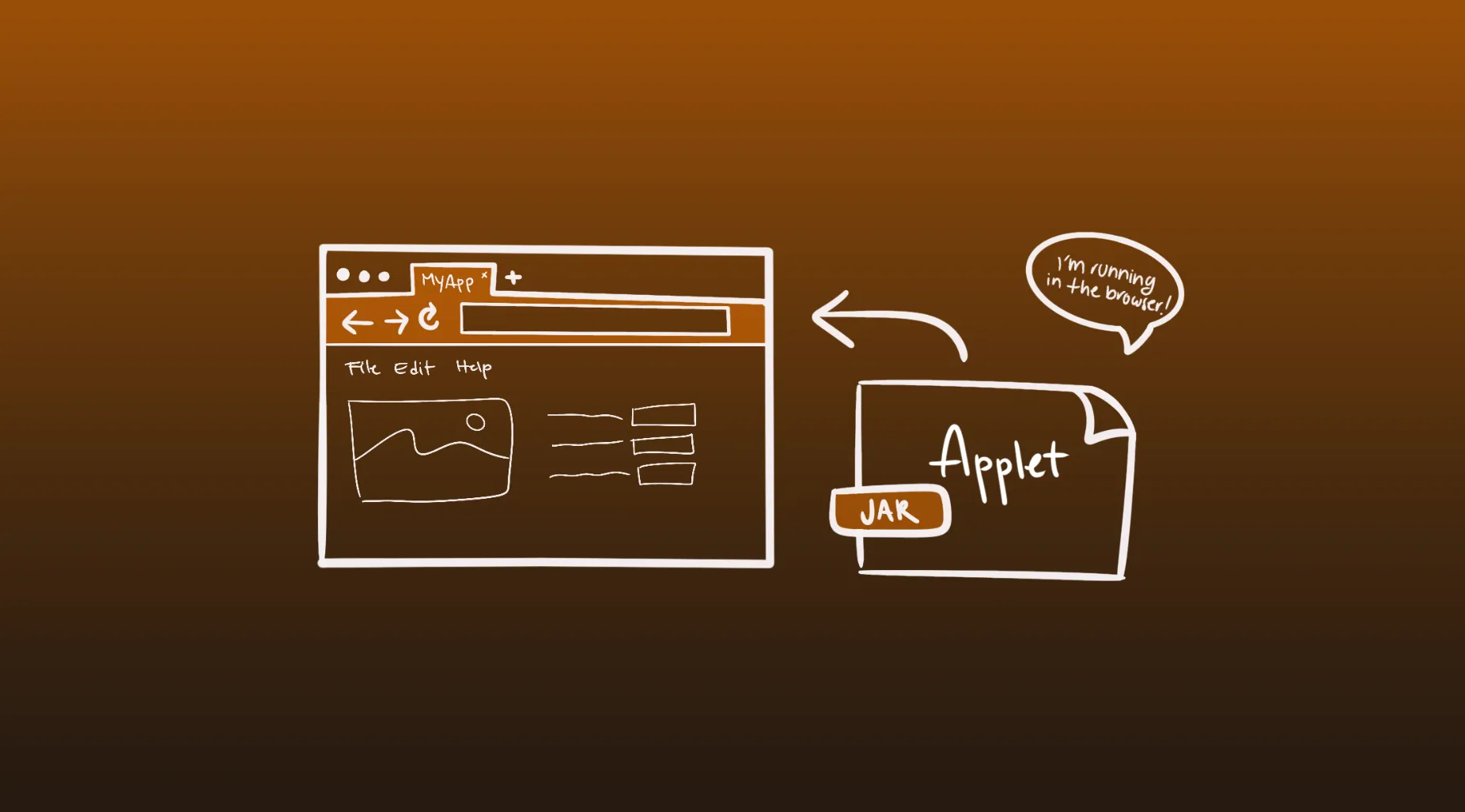
The CheerpJ Applet Runner extension runs legacy Java applets in Chrome without installing Java, compiling them on the fly so data stays inside your browser.